Every Last Grain
Clear an entire desert, starting with a soup spoon.

One scoop closer to a clean slate.
Free to play · Keyboard & mouse · No install
Best played on a desktop or laptop with a keyboard and mouse.
One owner. One desert.
Paid by the kilo.
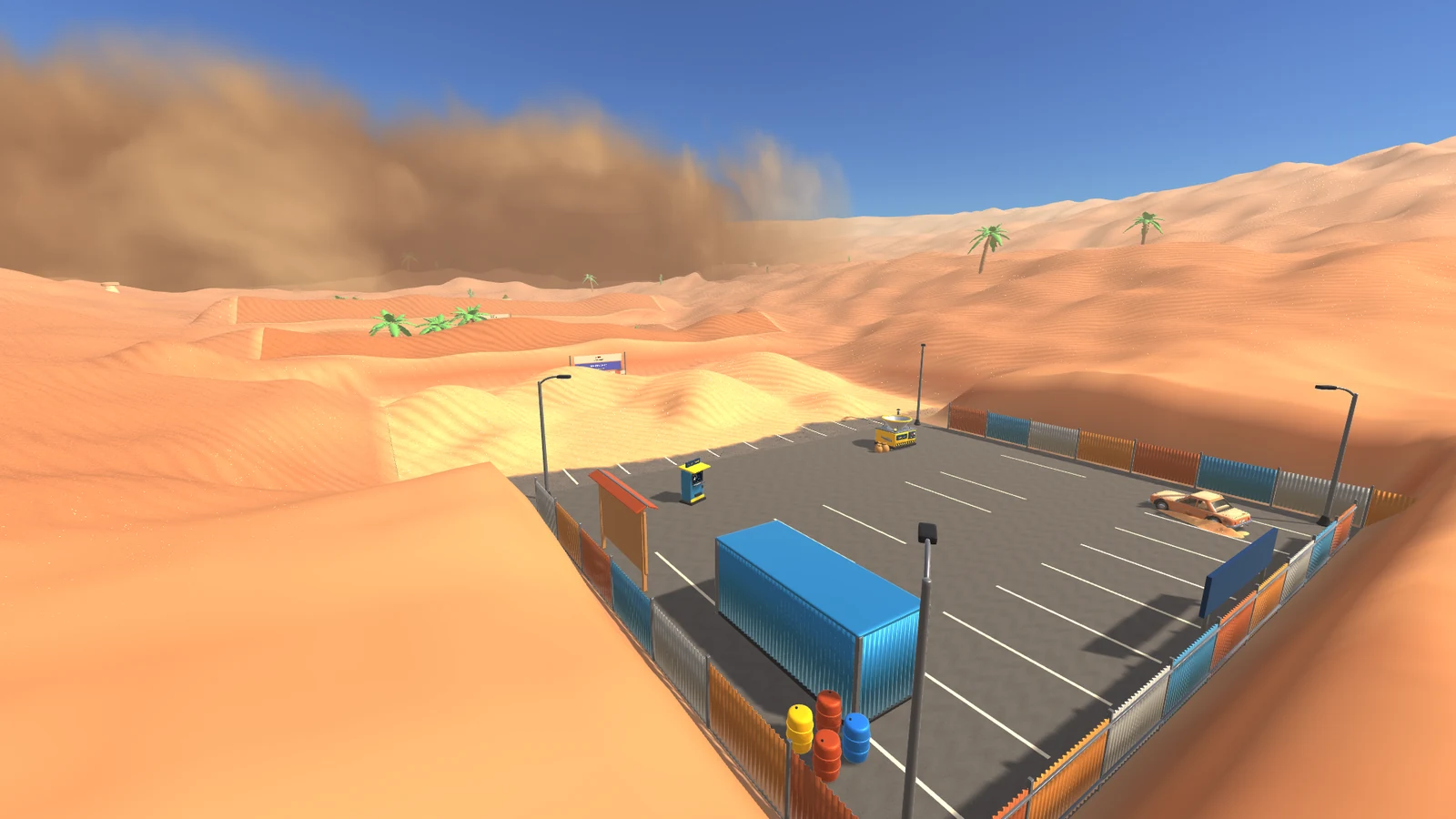
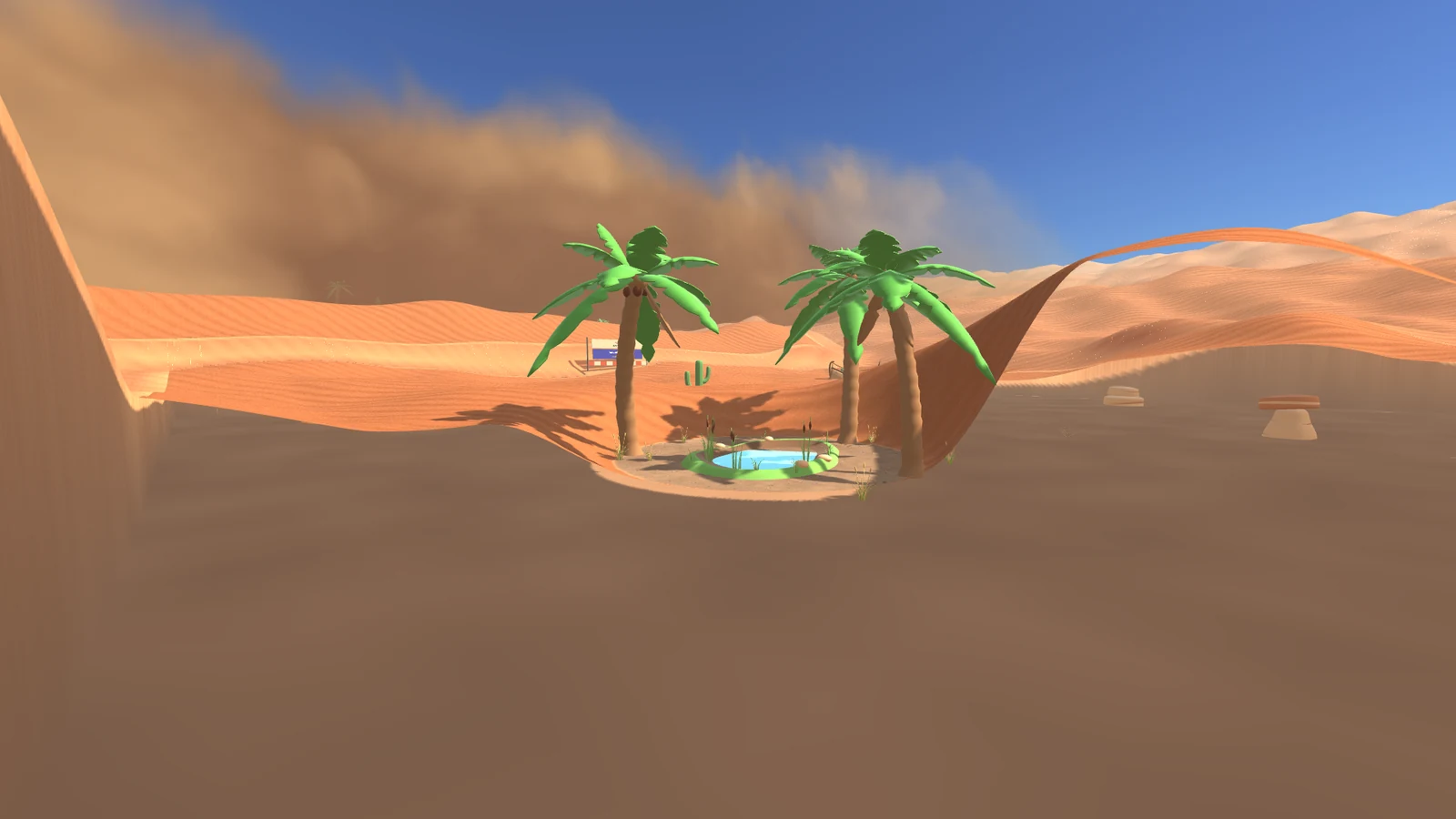
Someone wants an entire desert gone. Your starting equipment? A soup spoon and a lot of determination.
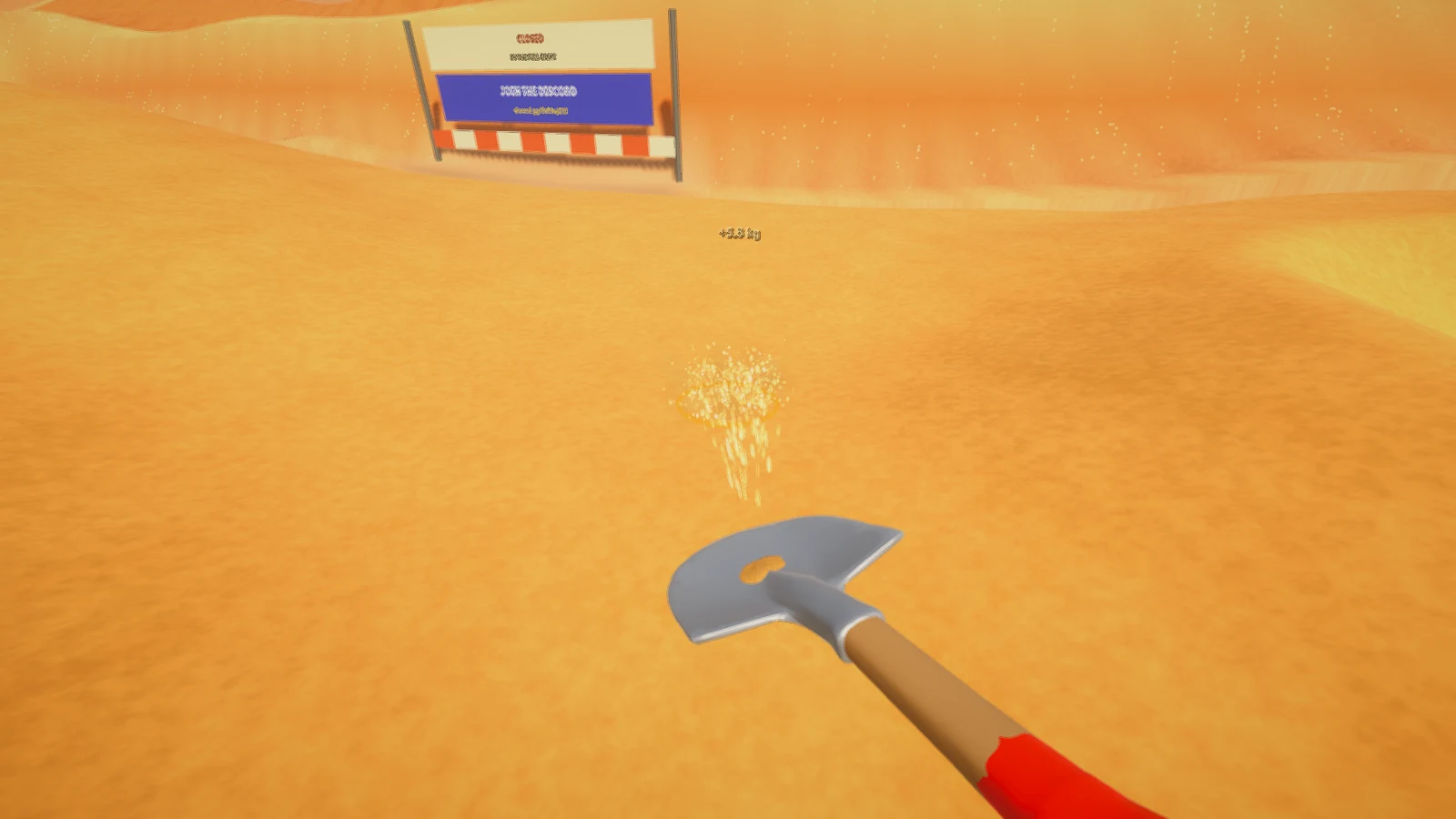
Scoop up sand, carry it back to the hopper, and turn each load into cash. Better tools make bigger bites in the dunes. Before long, the landscape you started with looks completely different.
Soup Spoon
Start small. Every scoop is the beginning of a better tool.
Garden Trowel
Pick up the pace and carve your first proper path into the sand.
Wide Shovel
Move more sand, with a bigger pack to match your digging power.
Sand Vacuum
Take on the remaining dunes and search the deeper layers.
A small scoop.
A smarter strategy.
Keep your first trips short
Dig close to camp while your pack is small. Less walking means more time earning your first upgrades.
Unload, then reinvest
Return sand to the hopper and spend your earnings on tools that make the next load easier.
Balance tools, capacity & speed
A bigger tool works best with enough room in your pack and a quick route back to camp.
Leave no corner unexplored
There are 14 buried finds to discover. Work through the dunes methodically instead of leaving scattered pockets behind.
Before you dig in.
The basics on playing, controls, and finding your way around the desert.

What is Every Last Grain?
It is a first-person desert-clearing game by Oliver Kuso. Dig up sand, trade loads for cash, upgrade your equipment, and look for buried finds as you clear the landscape.
Can I play without downloading anything?
Yes. Select Play Every Last Grain at the top of this page. Your browser downloads the game resources automatically; no separate installer is needed.
Why does the first launch take a moment?
The game has about 80 MB of resources to load. The first launch depends on your connection and device. Keep the tab open while the progress bar advances.
How do I release the mouse?
Press Esc to release the cursor. Click inside the game again to return to first-person controls. Press P for the in-game menu.
Can I play on a phone?
This game is designed around a keyboard and mouse. Use a desktop or laptop browser for its first-person controls.
Who made the game?
Every Last Grain was created by Oliver Kuso. This is an independent browser-play website.